 staxis
Steel modelling on Mac: project files, backups and handover
Plan local project storage, backups and a clear editing handover when evaluating a Mac steel modelling workflow.
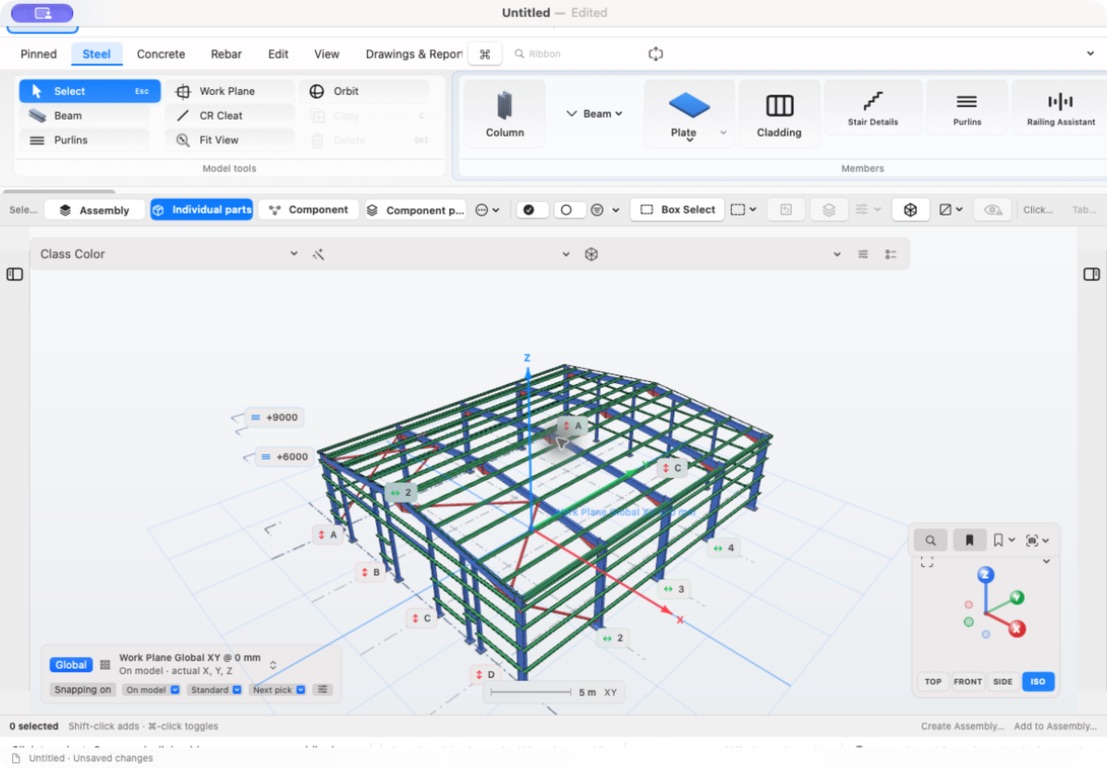
Decide where the working file belongs
A project needs a recognisable working location, a file naming convention and a backup process. Decide these before a second person or device becomes involved. Multiple files called “final” make it difficult to know which information is current.
Staxis’s advertised local-file workflow lets you save project files in a location you choose. The public site states that Trade Insight does not receive the project through that workflow. This does not remove your responsibility to secure and back up the files.
Separate file sync from simultaneous editing
Putting a file in a sync service can make it accessible from another device. That does not automatically make the application a collaborative editor. Two devices editing separate local copies can create conflicting versions.
The current Staxis guidance is to close the project on one device before editing it on another. Simultaneous multi-user editing is not included, and an iPad product is not included in the planned Mac launch offer. Confirm the released products and supported workflow before relying on cross-device use.
Use a simple handover record
If a colleague will continue the work, identify the latest file, the last completed change and the questions still open. Confirm that the transferred copy has opened correctly before treating the handover as complete.
- Project identifier and current working-file location.
- Revision or handover reference and date.
- Person responsible for the next edit.
- Outstanding design or drawing questions.
- Location of issued drawings and supporting information.
Test your recovery process
A backup only helps when you can restore and open it. Keep recovery copies in a suitable separate location and test the process with a non-production example.
Retain the information needed to distinguish a working revision from an issued output. Restoring an earlier model should not silently overwrite the record of what was sent to fabrication.
Check requirements at release
Staxis is being prepared for the Mac App Store. Final macOS and hardware requirements will be published with the store listing. Planned pricing on the website is not an offer to purchase today.
Register launch interest, then evaluate the released application with a representative project and a tested backup workflow. Include the drawing review and handover process in that evaluation.